
Free Mobile Security with Real-Time Protection
Overview
ZoneAlarm Mobile Security is a free antivirus solution designed to protect Android and iOS devices from a wide range of digital threats. Developed by Check Point Software Technologies, Inc., the application leverages enterprise-grade security technology to safeguard mobile users from malware, ransomware, phishing attacks, and unauthorized access. It is intended for individuals seeking reliable protection for personal data and privacy while using smartphones and tablets.
The software addresses common mobile security challenges such as unsafe public Wi-Fi connections, malicious app downloads, and unauthorized device access. It enables users to browse the web, send emails, conduct mobile banking, and share messages with greater confidence, knowing their data is shielded from interception and theft. The app is particularly suited for consumers who prioritize privacy and security but do not want to invest in paid solutions.
Real-world usage scenarios include travelers using public networks, remote workers accessing corporate resources, and everyday users downloading apps from third-party sources. The software provides real-time scanning and alerts, helping users respond quickly to potential threats. While the developer did not provide additional system requirements, the app is available for both Android and iOS platforms, suggesting broad compatibility with modern mobile devices.
Key Features & Capabilities
- App Protection – Utilizes real-time antivirus and anti-ransomware scanning powered by behavioral algorithms and artificial intelligence. Detects malicious applications and blocks them before installation or execution.
- Bluetooth and USB Protection – Monitors data transfer through Bluetooth and USB connections, identifying and alerting users to potentially harmful files or unauthorized device access.
- Network Protection – Offers real-time defense against phishing, fraud, and malicious network behavior. Blocks data exfiltration attempts and secures online activities like banking and messaging.
- Operating System Defense – Performs real-time risk assessments to detect configuration changes, rooting attempts, and potential system-level attacks, providing early warnings to users.
- Secure Browsing – Enables safe web navigation by blocking malicious websites and preventing access to known phishing domains.
- One-Click Threat Response – Allows users to initiate full device scans and security checks with minimal effort, enhancing usability for non-technical users.
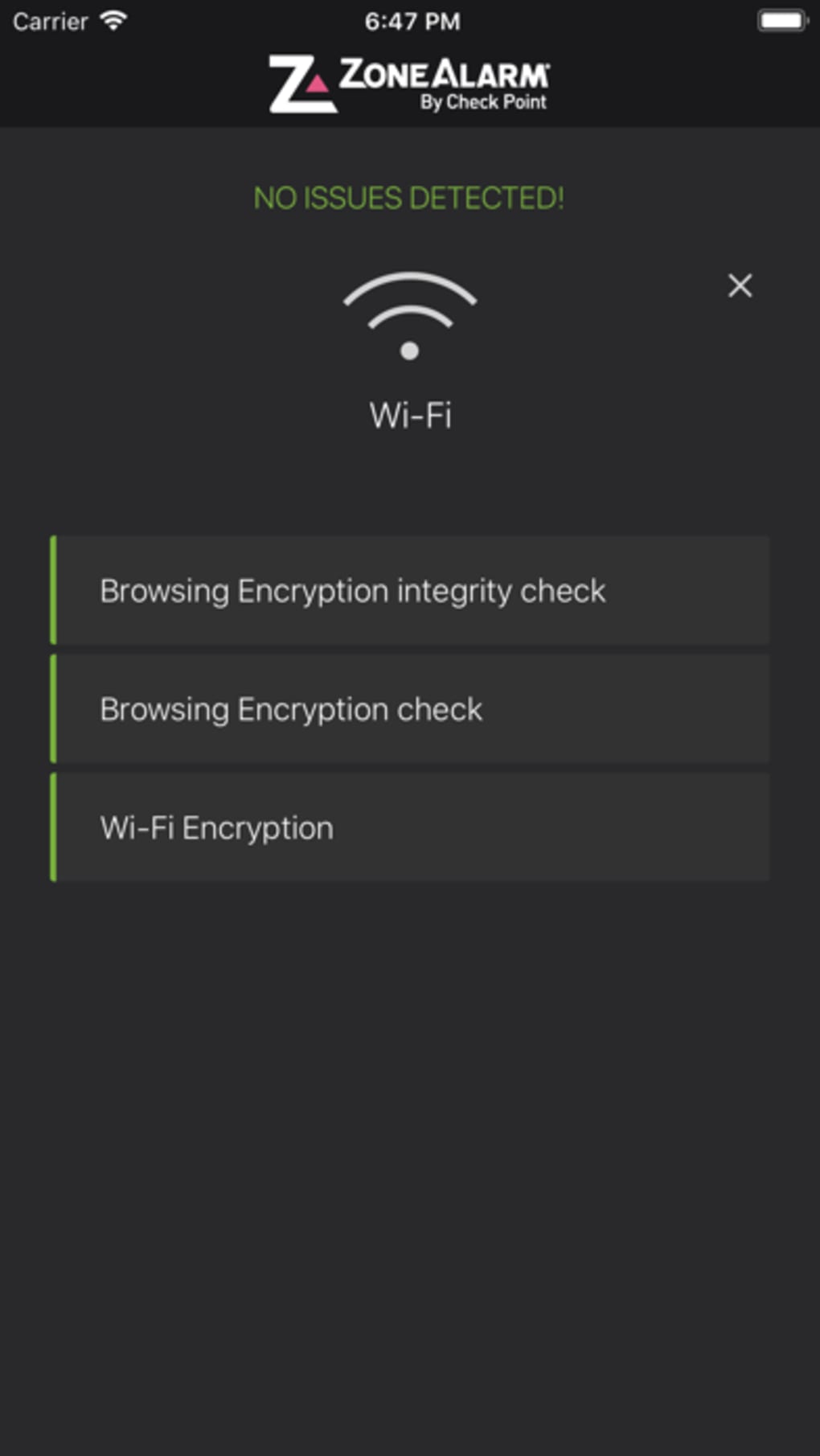
These features work together to create a multi-layered defense strategy. For example, when a user downloads an app from an unknown source, the app protection layer scans it immediately. If the file is flagged, the user receives a real-time alert and the installation is blocked. Similarly, when connecting to a public Wi-Fi network, the network protection layer monitors traffic and prevents data interception.
User Interface, Workflow & Performance
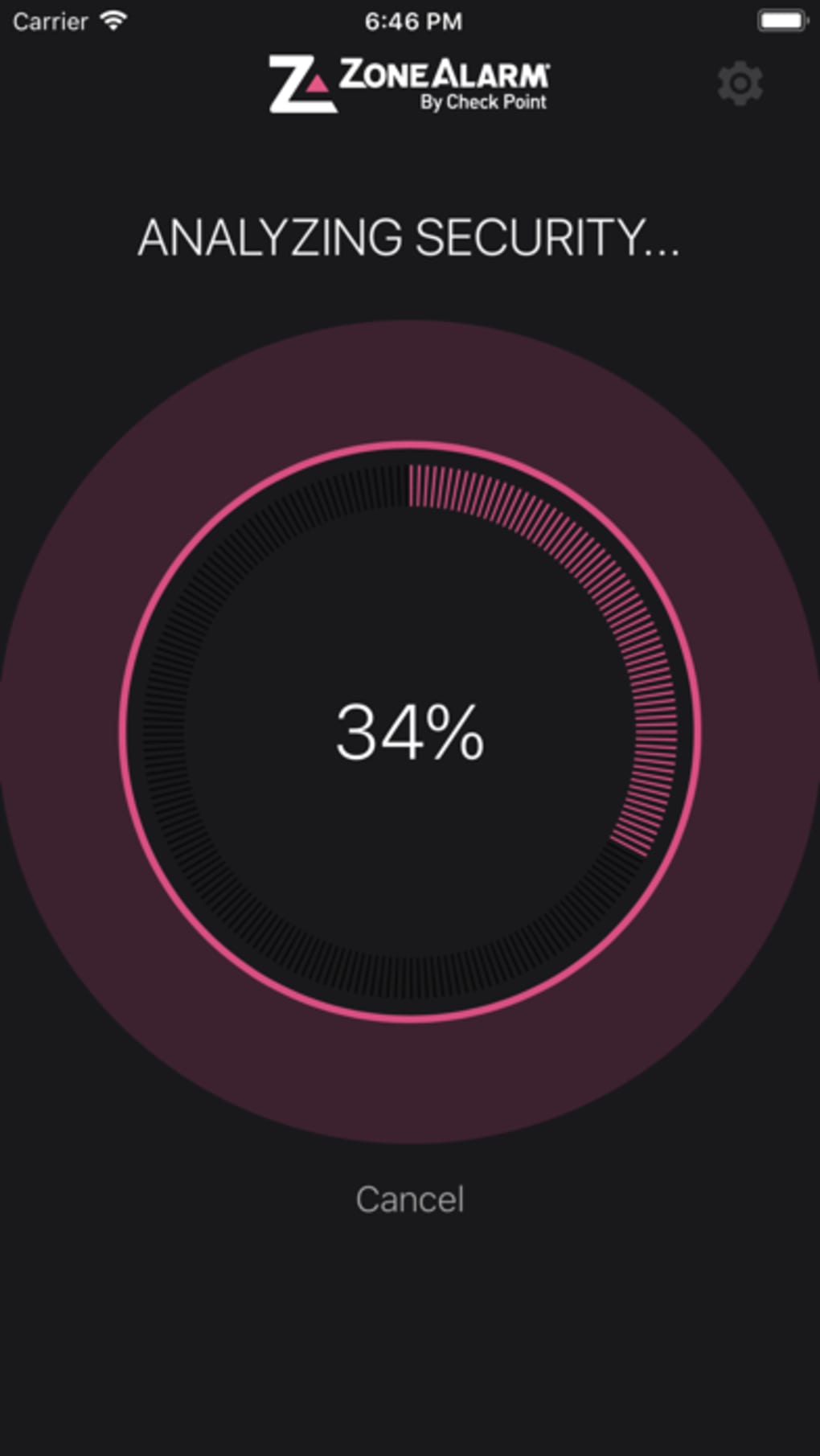
The user interface of ZoneAlarm Mobile Security is designed for simplicity and quick access to core functions. Navigation is structured around a central dashboard that displays the current security status of the device. Key actions such as scanning, checking network safety, and reviewing threat alerts are accessible with one or two taps.
Workflow efficiency is enhanced by the app’s real-time monitoring system, which operates in the background without requiring constant user input. Users can initiate a full system scan with a single click, and results are displayed clearly, indicating any detected threats and recommended actions. The app integrates seamlessly into daily mobile use, minimizing disruptions.
Performance observations are based on general software behavior patterns. The developer did not specify resource usage details, so exact CPU or RAM consumption is unknown. However, the app’s lightweight size of 35.6 MB suggests it is optimized for efficient operation on mobile devices. Stability is expected to be consistent, as the software is developed by a reputable security provider with enterprise-level experience.
Compatibility & System Requirements
ZoneAlarm Mobile Security is compatible with both Android and iOS operating systems. The current version is 1.0.11, and the installation size is 35.6 MB. The software is designed for modern smartphones and tablets that meet the minimum requirements of these platforms.
Exact system requirements were not listed. Compatibility information is limited to the supported platforms. Users should ensure their device is running a current version of Android or iOS to maintain optimal functionality. The developer did not provide details on hardware specifications such as processor speed or memory capacity.
Pros and Cons
Pros
- Free antivirus solution with enterprise-grade protection
- Multi-layered defense covering app, network, and OS levels
- Real-time threat detection and alerts
- Supports both Android and iOS platforms
- One-click scanning and security checks
- Protects against ransomware, phishing, and data theft
Cons
- Exact system requirements not specified
- Resource usage details not provided
- Limited information on update frequency
- No advanced customization options mentioned
- Full feature set may depend on platform-specific implementation
How does ZoneAlarm Mobile Security protect my device from public Wi-Fi threats?
The app provides real-time network protection that monitors traffic on public Wi-Fi networks. It blocks malicious activity, prevents data interception, and alerts users to suspicious behavior, ensuring secure browsing and online transactions.
Is ZoneAlarm Mobile Security safe to use on my smartphone?
Yes. The app is developed by Check Point Software Technologies, Inc., a well-established security provider. It is designed to protect devices without introducing vulnerabilities or compromising privacy.
Does the app require an internet connection to function?
The app requires an internet connection for real-time threat intelligence updates and cloud-based detection. However, core scanning and protection features can operate offline after initial setup.
Can I use ZoneAlarm Mobile Security on both Android and iOS devices?
Yes. The software is available for both Android and iOS platforms, offering consistent protection across different mobile ecosystems.
What type of license does ZoneAlarm Mobile Security have?
ZoneAlarm Mobile Security is a free application with no subscription or paid features. It is distributed as a freemium model, though no premium tier was mentioned in the provided information.
Final Thoughts + CTA
ZoneAlarm Mobile Security delivers a robust, free security solution tailored for mobile users concerned about privacy and data integrity. Its three-layer defense system—covering apps, networks, and the operating system—provides comprehensive protection against modern mobile threats. The app is particularly valuable for individuals who frequently use public Wi-Fi, download third-party apps, or handle sensitive information on their devices.
While detailed system requirements and performance metrics are not available, the lightweight design and enterprise-grade foundation suggest strong efficiency and reliability. The user-friendly interface and one-click functionality make it accessible even for non-technical users.
For anyone seeking a secure, free antivirus tool for their smartphone or tablet, ZoneAlarm Mobile Security stands out as a trustworthy choice. Download ZoneAlarm Mobile Security now.







